


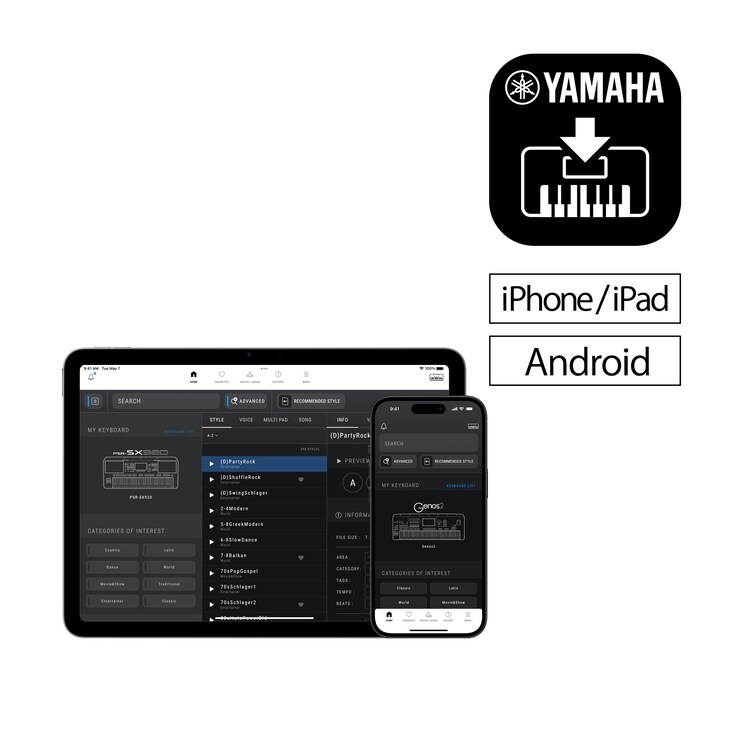
Velkommen til EXPANSION EXPLORER, som er en alt-i-ett-løsning for å oppdage, installere og administrere utvidelsesinnhold på Yamaha PSR-SX920/SX720/A5000 og Genos2 Arranger Workstations.


Velkommen til EXPANSION EXPLORER!
Det er en alt-i-ett-løsning for å oppdage, installere og administrere utvidelsesinnhold på Yamaha PSR-SX920/SX720/A5000 og Genos2 Arranger Workstations.
-
APP-GJENNOMGANG
Forbedre spilleopplevelsen din med Expansion Explorer, som hjelper deg med å administrere og installere Expansion-innhold på en enklere måte.
-
Hva er nytt i versjon 1,5
Vi introduserer en ny Launcher-meny, Preset-søk og smartere innholdsstyring.
What is Expansion Content?
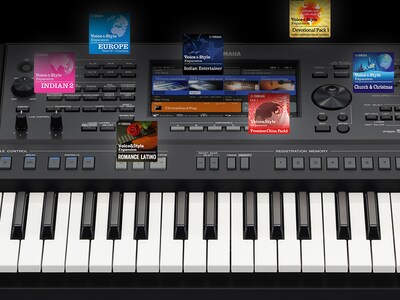
Expansion Content includes free additional Voices, Styles, MultiPads, and more for you to install and enjoy on your Arranger Workstation. A growing library of Expansion Content is already available, featuring a diverse range of instruments and Styles from around the world.
Søk
Få umiddelbar tilgang til søk fra den nye Launcher-menyen, og utforsk både Expansion- og Preset-innhold når du er koblet til instrumentet ditt. Bruk avanserte filtre for å finjustere resultatene etter land, tempo, takt og mer.

Style Recommendations
If you have an audio file of the song you want to play, EXPANSION EXPLORER can analyze it and recommend the most suitable Style from the Expansion Content library for your performance.

Pre-listen
Content can be auditioned in the app before installation. You can listen to the auditions anytime, even without being connected to your instrument.

Install
The app installs your chosen content directly to your instrument. Depending on your instrument’s specification, this is done wirelessly or via a USB cable.

Innholdsstyring
Administrer registreringsbankene og spillelistene dine på en enkel måte – se innhold, gi nytt navn til elementer og juster rekkefølgen. På Windows og Mac kan du også importere og installere tredjepartsinnhold som pakker, stiler, stemmer, sanger og registreringer direkte til ditt tilkoblede instrument.

Cautions
Contents already installed by Yamaha Expansion Manager into the Expansion area of your keyboard, including pre-installed content in PSR-SX920 and 720, will be removed when installing new content from Yamaha EXPANSION EXPLORER.
About pre-installed content in PSR-SX920 and 720, you will be able to reinstall them through the EXPANSION EXPLORER app, if desired.
* Spesifikasjoner kan endres uten varsel. Farger og utførelser kan avvike fra de som vises på de faktiske produktene.
